
Enable auto answer
Ce contenu n’est pas encore disponible dans votre langue.
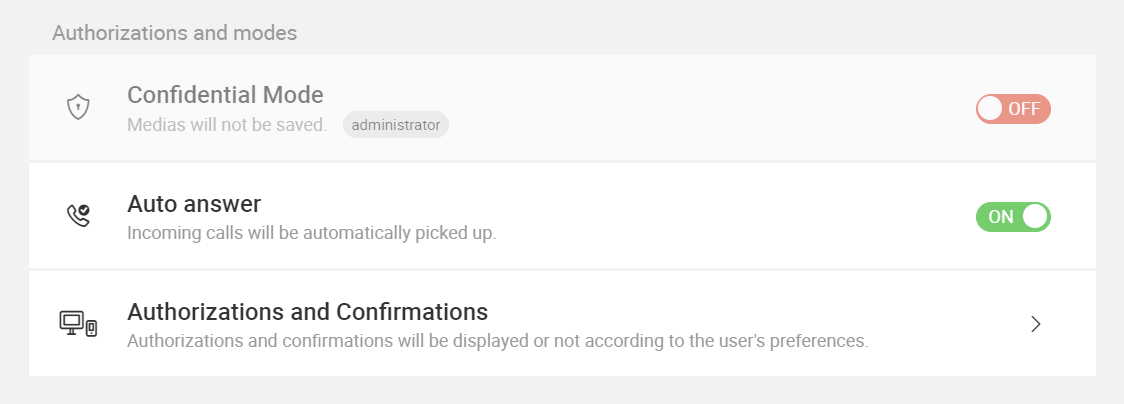
With XpertEye’s Auto Answer feature, you can set your device to automatically pick up incoming calls after four seconds, making it convenient for hands-free operations.
Section titled “With XpertEye’s Auto Answer feature, you can set your device to automatically pick up incoming calls after four seconds, making it convenient for hands-free operations.”How to enable auto answer:
- Open the Menu on the XpertEye main screen.
- Click on Settings.
- In the XpertEye Settings tab, toggle the Auto answer option to enable or disable it as needed.
This feature ensures you never miss an important call, even when you’re unable to answer manually.