
Enable confidential mode
Ce contenu n’est pas encore disponible dans votre langue.
With XpertEye’s confidential mode, you can ensure that sensitive media cannot be saved at the end of a call. This feature adds an extra layer of privacy to your sessions.
Section titled “With XpertEye’s confidential mode, you can ensure that sensitive media cannot be saved at the end of a call. This feature adds an extra layer of privacy to your sessions.”How to enable Confidential Mode:
- Open the Menu on the XpertEye main screen.
- Click on Settings.
- Toggle the Confidential Mode icon to enable or disable it.
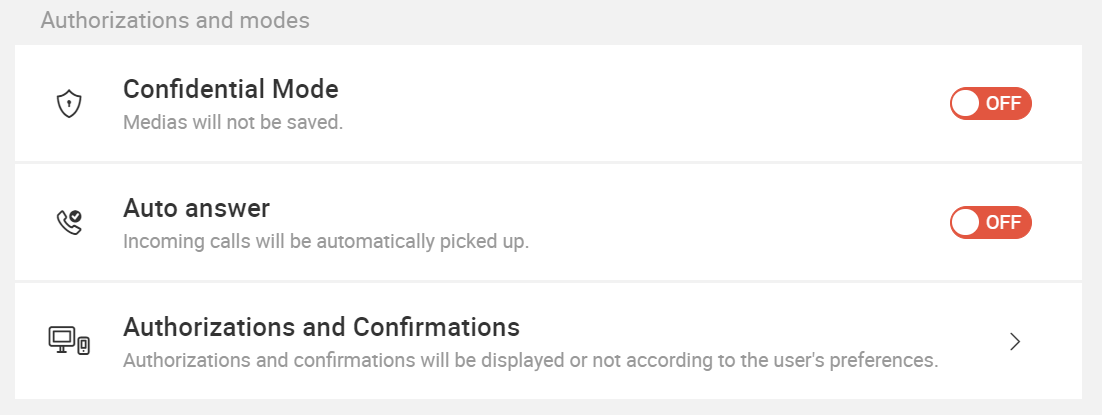
Important notes:
- Confidential Mode must be enabled before making the call.
- To enable Confidential Mode for a guest, check the dedicated box before sending the invitation.
- Confidential Mode cannot be enabled or disabled during a call.
- When Confidential Mode is enabled, recording the call is restricted for all users.
This feature is ideal for ensuring that media shared during a session remains secure and protected.