
Select SMS invitation country code
Ce contenu n’est pas encore disponible dans votre langue.
When sending an XpertEye invitation, you can customize the country code for added convenience.
Section titled “When sending an XpertEye invitation, you can customize the country code for added convenience.”How to select the SMS invitation Country Code:
- Open the Menu on the XpertEye main screen.
- Click on Settings.
- Choose from the following options in SMS invitation Country Code:
- Based on browser language: Automatically selects the country code based on the language settings of your browser.
- Change the country: Manually select the country whose code you would like to use for invitations.
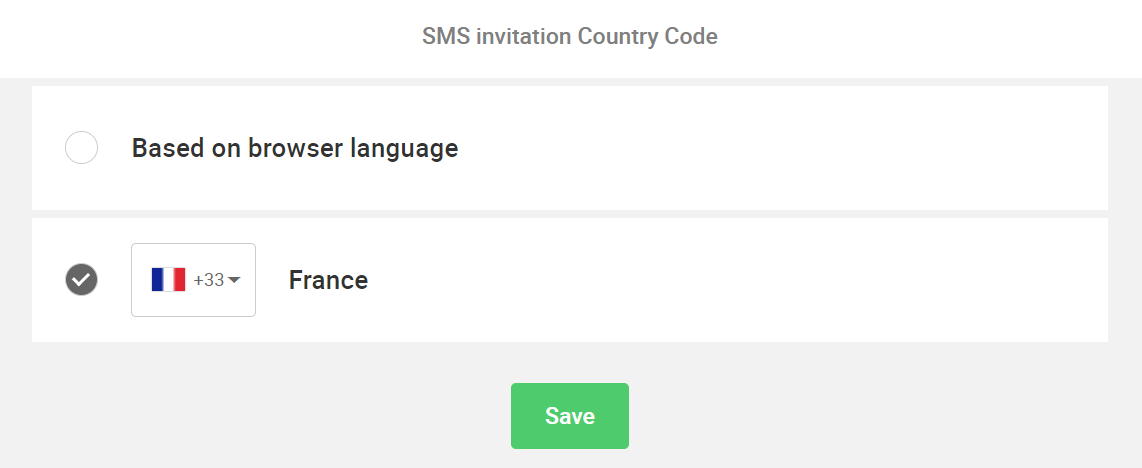
This ensures that the appropriate country code is applied.